
Introduction

Drone calibration made simple is not just a tech buzzword — it’s a crucial step for anyone who wants stable, accurate, and safe drone flights. Whether you’re flying a DJI Mini 4 Pro, DJI Air 3, or DJI Phantom series, proper calibration ensures your drone responds correctly to your commands and keeps your aerial shots smooth. In this guide, we break down the process step by step, making it easy even for beginners.


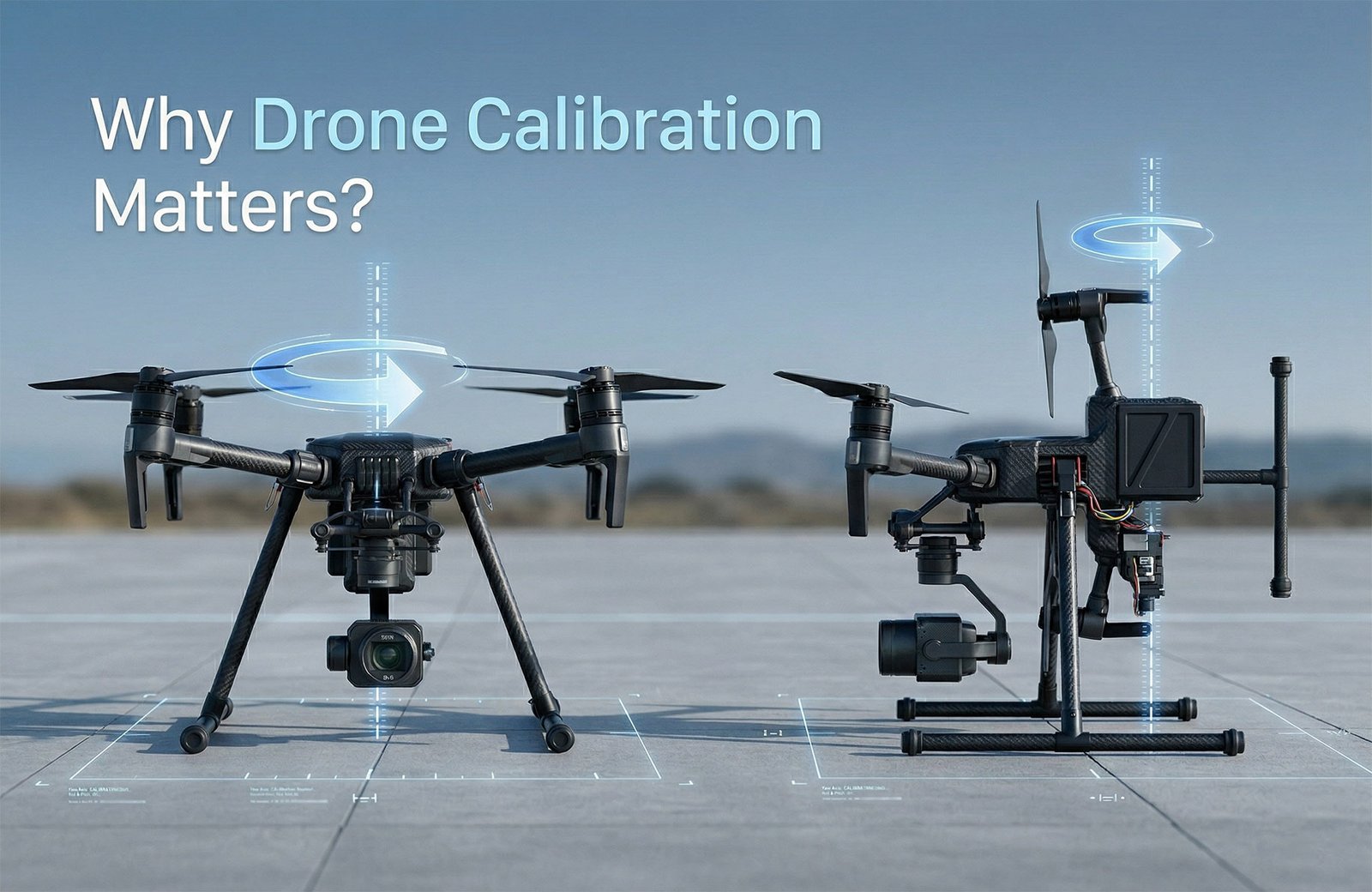
Why Drone Calibration Matters

Before diving into the steps, it’s important to understand why calibration is essential:

  • Improved flight stability: Prevents erratic movements due to sensor misalignment.

  • Accurate GPS positioning: Ensures precise hovering and route tracking.

  • Enhanced safety: Reduces the risk of crashes caused by faulty compass readings.

  • Better aerial photography: Smooths out footage and prevents tilt or drift.

Pro Tip: Many drone brands, including DJI and Autel, recommend calibration before your first flight and after firmware updates or crashes.


Step 1: Prepare Your Drone

  1. Power off your drone before calibration.

  2. Move to an open area away from metal objects, buildings, or magnetic interference.

  3. Charge the battery fully — low power can affect sensor readings.

  4. Update your firmware to the latest version via the official app (e.g., DJI Fly or DJI Pilot).

⚠️ Tip: Avoid calibration near cell towers or power lines; magnetic interference can cause errors.


Step 2: Calibrate the Compass

Compass calibration aligns your drone with the Earth’s magnetic field. Most drones prompt you via the app when calibration is needed.

Steps:

  1. Enter the calibration mode in your app.

  2. Rotate the drone horizontally 360° until a light indicates success.

  3. Rotate the drone vertically (nose down) 360° and wait for confirmation.

Signs calibration is needed:

  • Drone drifts even when hovering.

  • Compass error messages appear in the app.

Check out the DJI Mini 4 Pro here for smooth flights with reliable calibration features.


Step 3: Calibrate the IMU (Inertial Measurement Unit)

The IMU controls stability and orientation. Misaligned IMU sensors can lead to tilting or wobbling during flight.

IMU Calibration Steps:

  1. Place the drone on a flat, level surface.

  2. Enter IMU calibration mode via the app.

  3. Follow prompts to leave the drone stationary until the app confirms completion.

Tip: IMU calibration may be required after firmware updates, hard landings, or extreme temperature changes.


Step 4: Check Gimbal and Camera Alignment

Proper gimbal calibration ensures smooth video and photo capture:

  • Auto-calibration: Most drones like DJI have an auto-gimbal calibration in the app.

  • Manual calibration: Adjust pitch, roll, and yaw if your footage tilts or wobbles.

  • Test by hovering and recording short clips, then review for stability.

 Explore our collection of  Drone Gimbal Accessories for enhanced stability.


Step 5: Perform Flight Controller Calibration

The flight controller links your remote inputs to drone movements:

  1. Place the drone on a level surface.

  2. Enter calibration mode in the app.

  3. Follow instructions to move sticks in specific patterns.

Quick Tip: Some drones automatically suggest calibration when sensors detect unusual readings.


Step 6: Verify GPS and IMU Data

After calibration, ensure your drone’s GPS signal is strong:

  • Wait for at least 10 satellites to connect before takeoff.

  • Check the app for any IMU or compass warnings.

  • Conduct a short test flight at low altitude to confirm smooth response.


Common Mistakes to Avoid

Mistake Impact Solution
Calibrating near metal objects Compass errors Move to open field
Low battery during calibration Sensor misreadings Fully charge battery
Skipping IMU calibration Drone tilts/wobbles Always calibrate after crashes or firmware updates
Ignoring firmware updates App errors Update firmware first

Key Takeaways

  • Drone calibration made simple ensures stability, accuracy, and safety.

  • Always calibrate compass, IMU, gimbal, and flight controller before first flight or after crashes.

  • Choose open areas with minimal magnetic interference for best results.

  • Test flights confirm successful calibration before advanced maneuvers.

Related Post: Top 10 DJI Drones for Aerial Photography


Expert Tips for Smooth Drone Flights

  1. Regular calibration prevents sensor drift over time.

  2. Document flight conditions like wind or temperature for consistent results.

  3. Keep a checklist of calibration steps for each drone model.

  4. Use apps for guided calibration — DJI, Autel, and Skydio provide built-in instructions.


Conclusion

Mastering drone calibration made simple is the key to unlocking safe, precise, and professional drone flights. Following these step-by-step guidelines ensures your drone performs optimally, protects your investment, and gives you smooth aerial shots.

Ready to elevate your flying experience? Explore our collection of drones, gimbals, and accessories designed for precision and stability. Check out the DJI Mini 4 Pro or the DJI Air 3S for cutting-edge technology with intuitive calibration features.

Leave a Reply

Related Projects